
Campfire webhooks will notify you directly in your chat room of new discussions, comments and queue updates.
Configuration
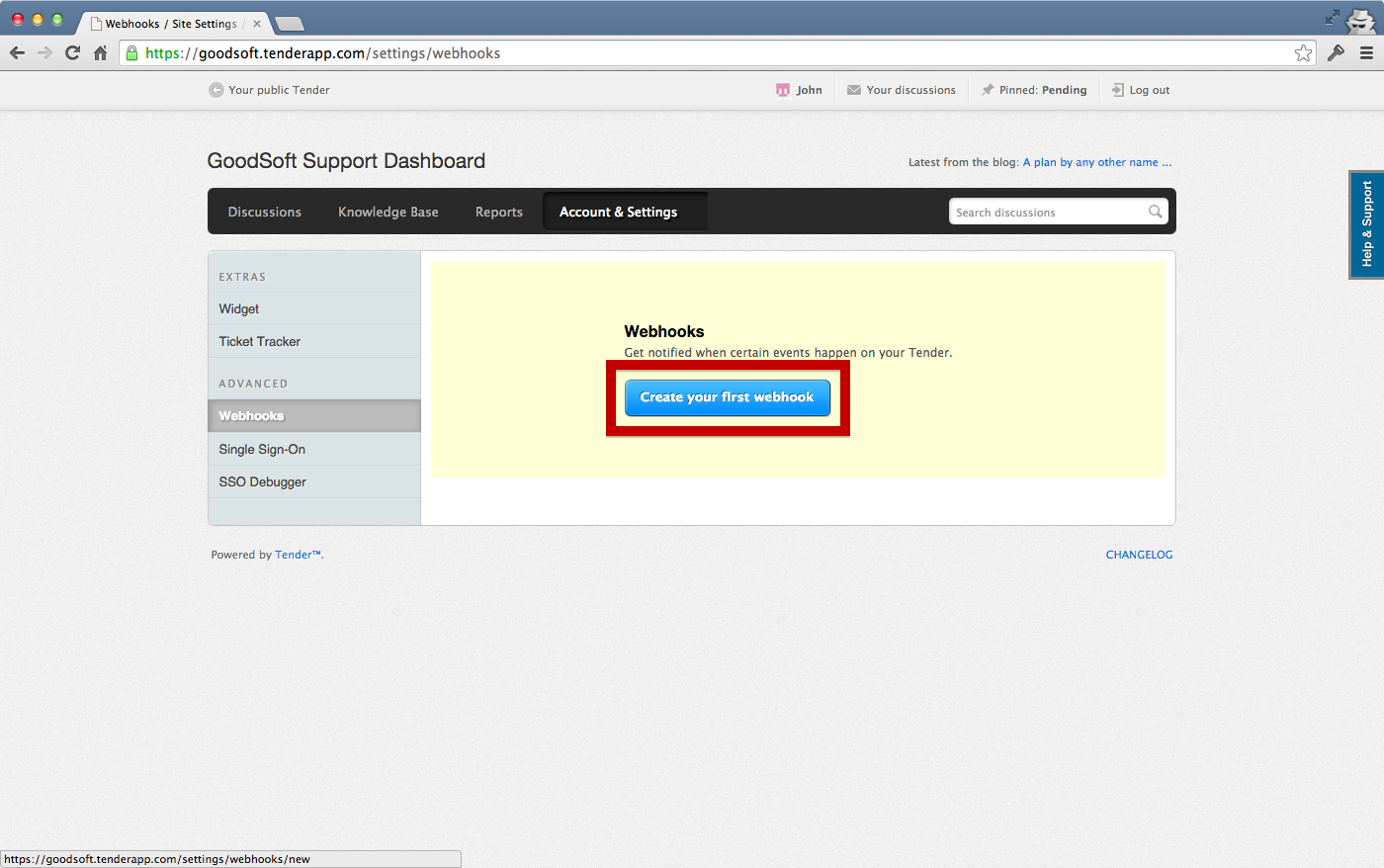
Go to Account & Settings > Extras > Webhooks:

Then select Create your first webhook:
Choose when you want to be notified, for example each time a discussion is created:

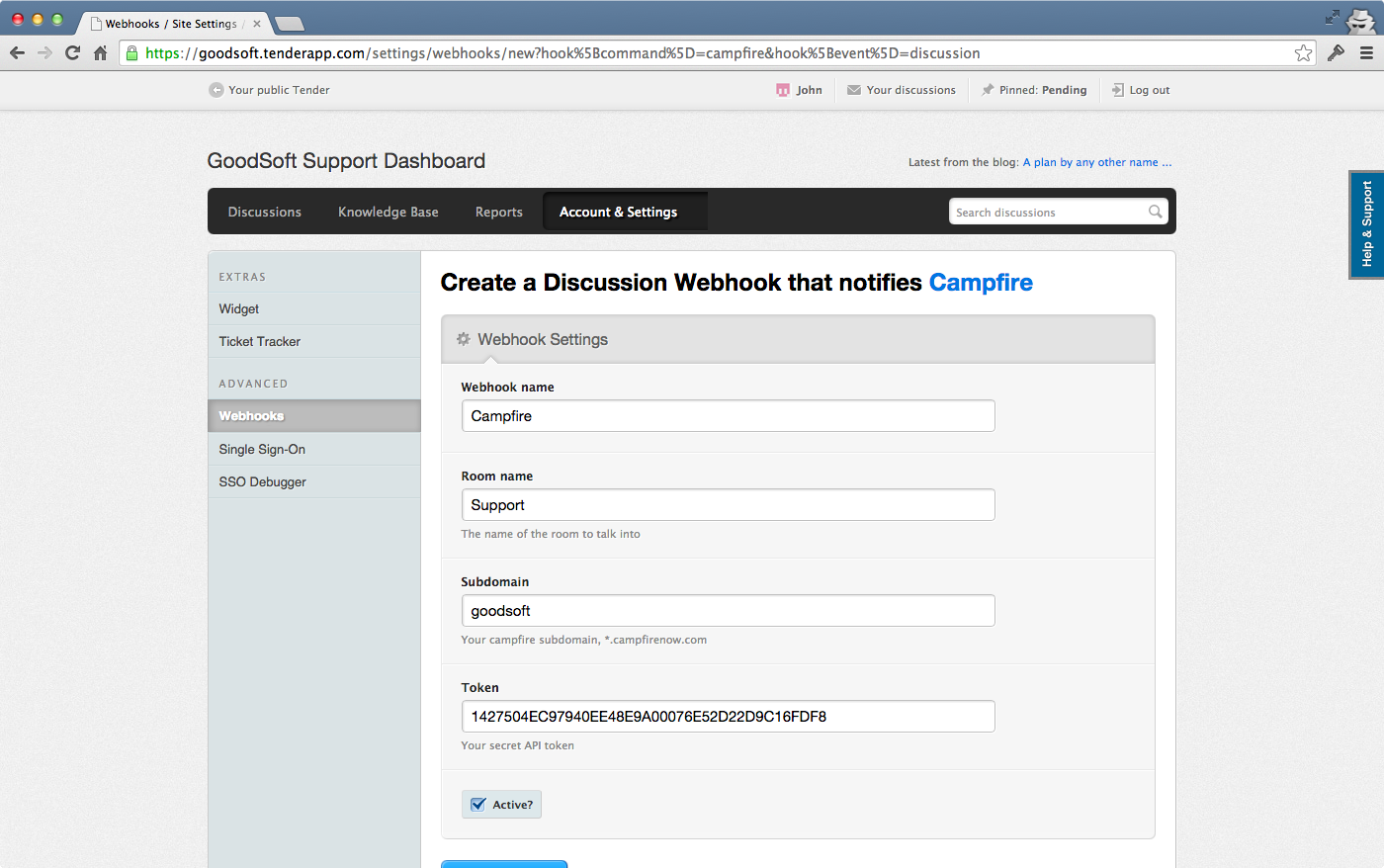
Then select where you want to be notified: Campfire

Fill in your details:
And you're all set!

Having trouble?
Drop us a line at support@tenderapp.com, we'll help you out :)